Music visualizer, player and video studio

Every feature in BeatRealms 3D

Play your music and watch it move in 3D. The visuals hear the song itself, not just how loud it is, and you can turn what you see into a video. Offline, with no account and no ads.

  • 334 visual styles
  • 700+ looks
  • Video up to 4K 60
  • No ads, no tracking
  • Android 13+
Get it on Google Play Free to install. Pro is one purchase.

01 · Visuals that listen

It hears the song, not just the volume

The visuals react to the sound itself, as it plays:

  • Loudness, bass, mids and treble
  • Drum hits: kick, snare and hats
  • Notes, chords and the key of the song
  • The build-ups and the drops

No sound, no visuals: when the music stops, the picture comes to rest. The visuals can also follow the microphone or another app's sound, if you turn that on.

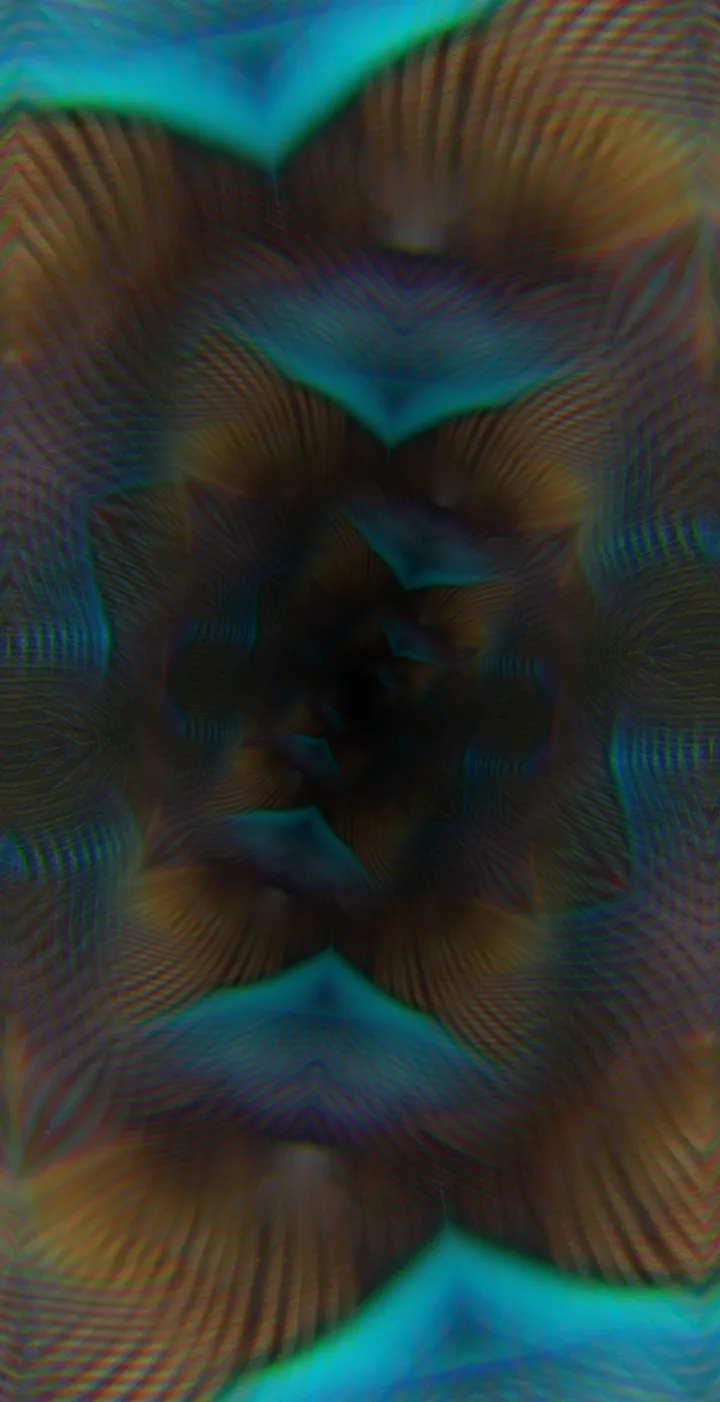
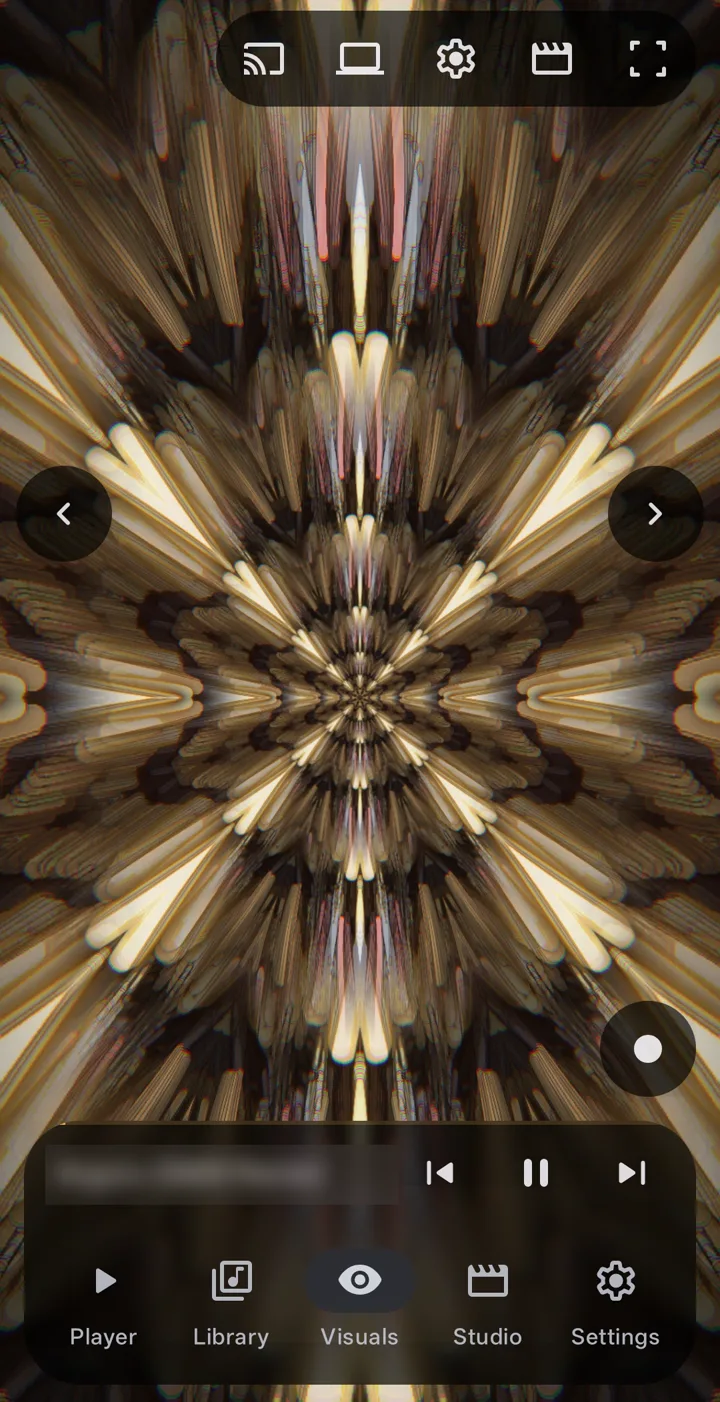
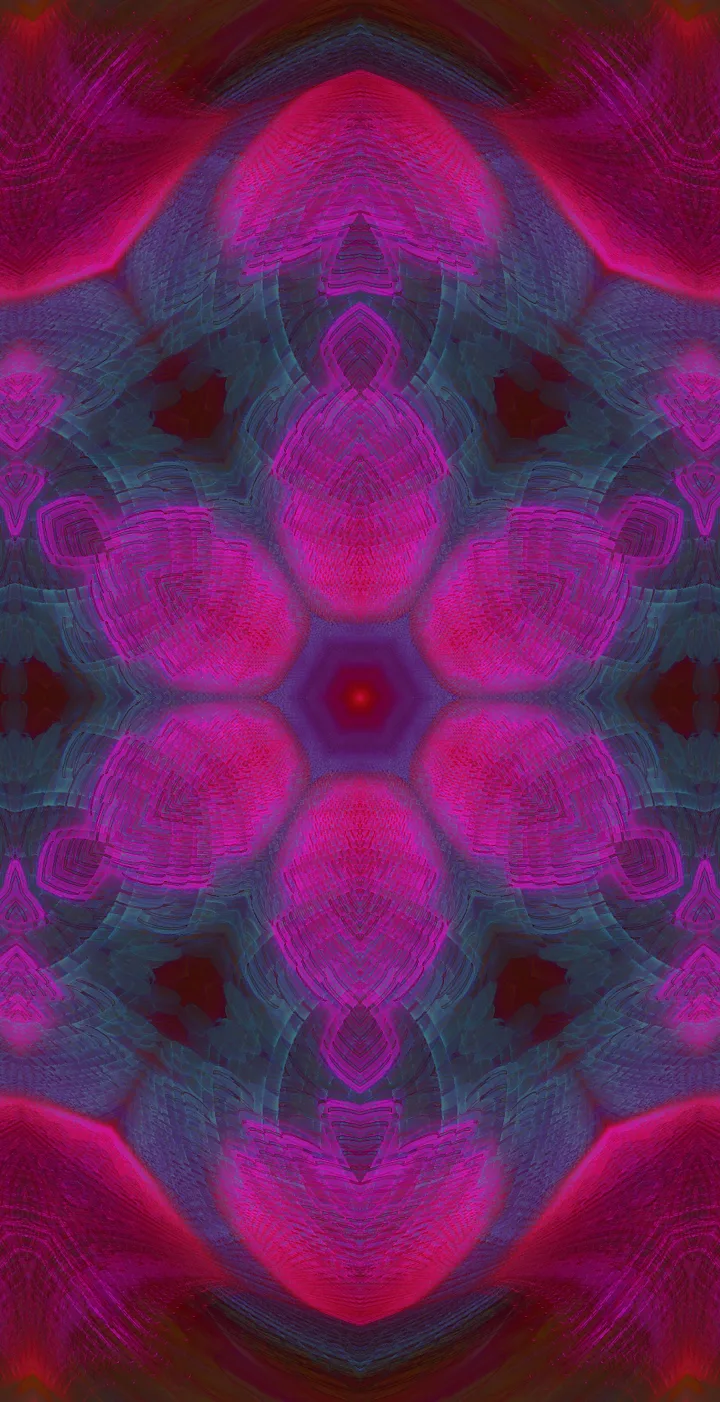
A teal and amber kaleidoscope tunnel, full screen in the app

02 · 334 styles

Fly through it, fall into it

3D scenes you fly through, fractals, nebulae, terrain, glass, fluid and particle simulations, in nineteen families. More than 700 bundled looks on top, and with Pro, your own .milk preset files.

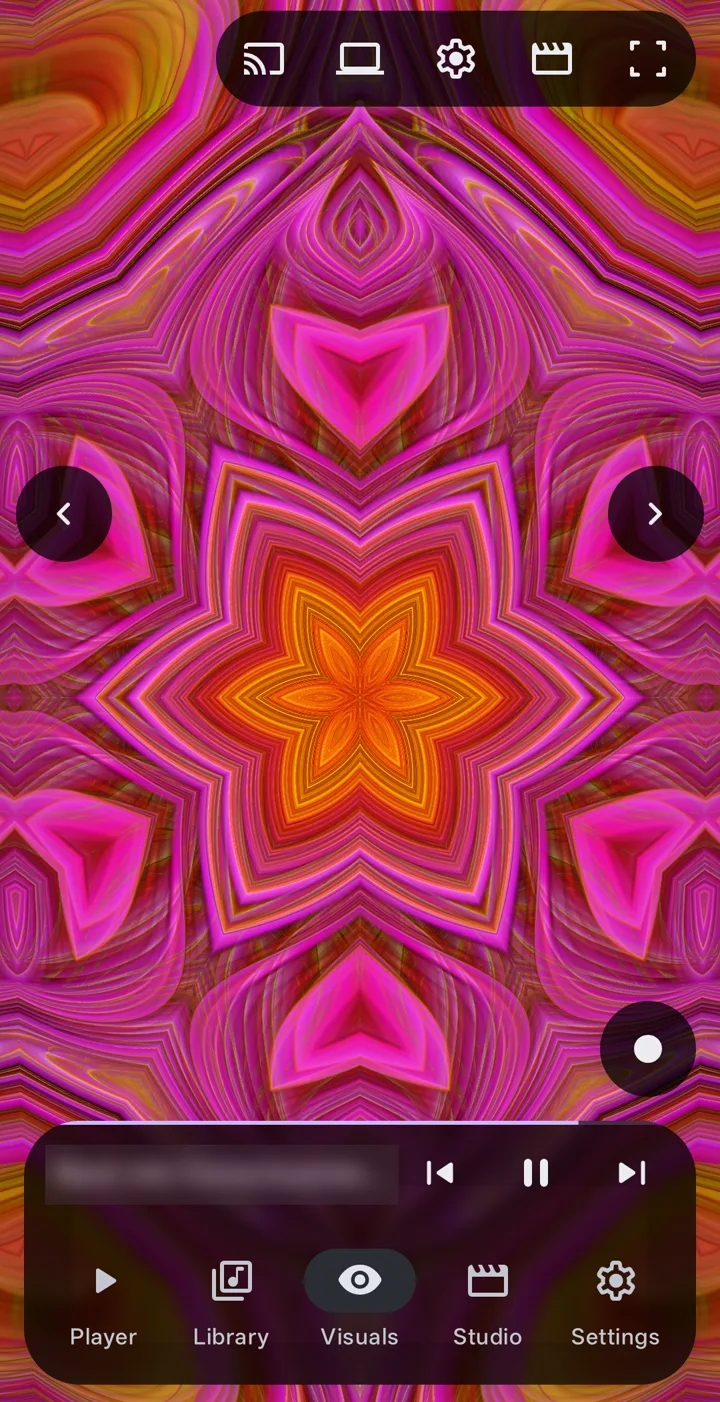
Screenshots of the app on a phone, playing music.

03 · Auto mode

A director that follows the song

Auto mode changes the style, the camera and the motion as the song moves from one part to the next. Your colours stay yours: it never narrows the palette you picked.

Free the first minute of each song Pro the whole song

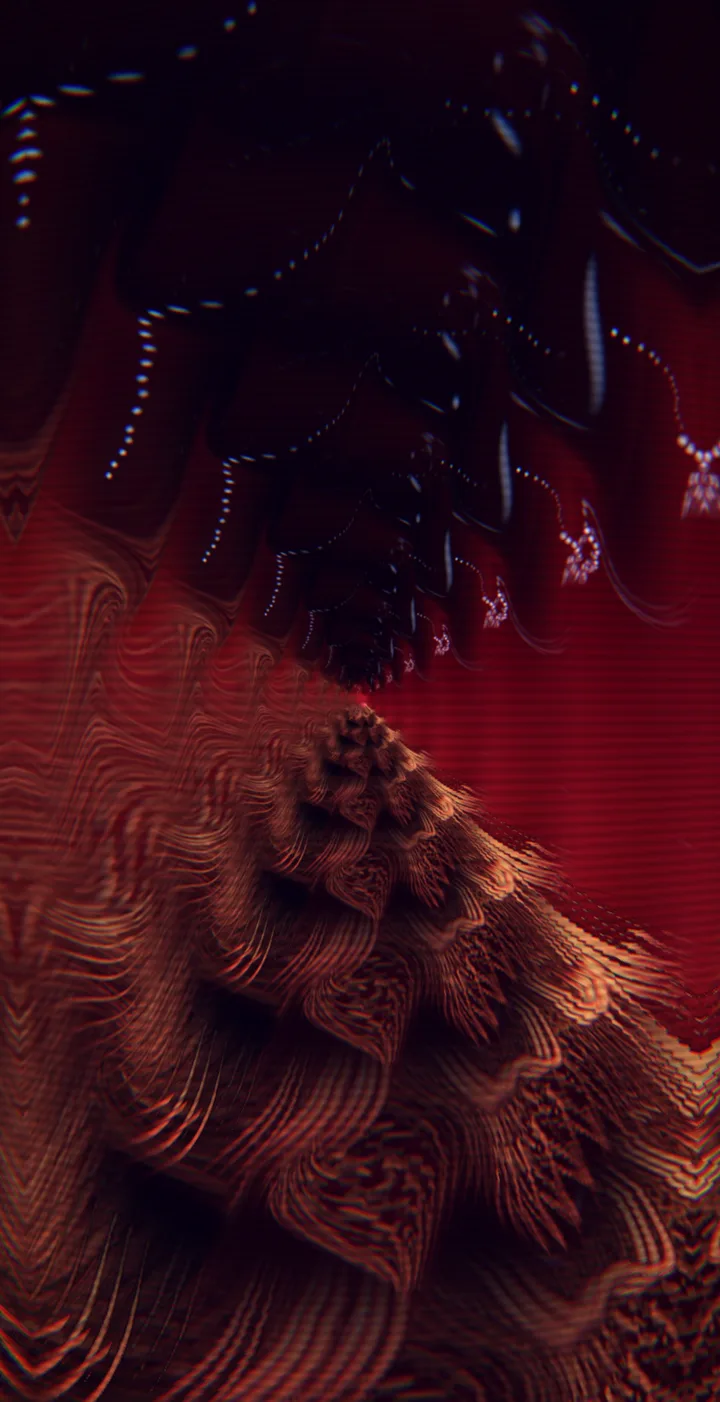
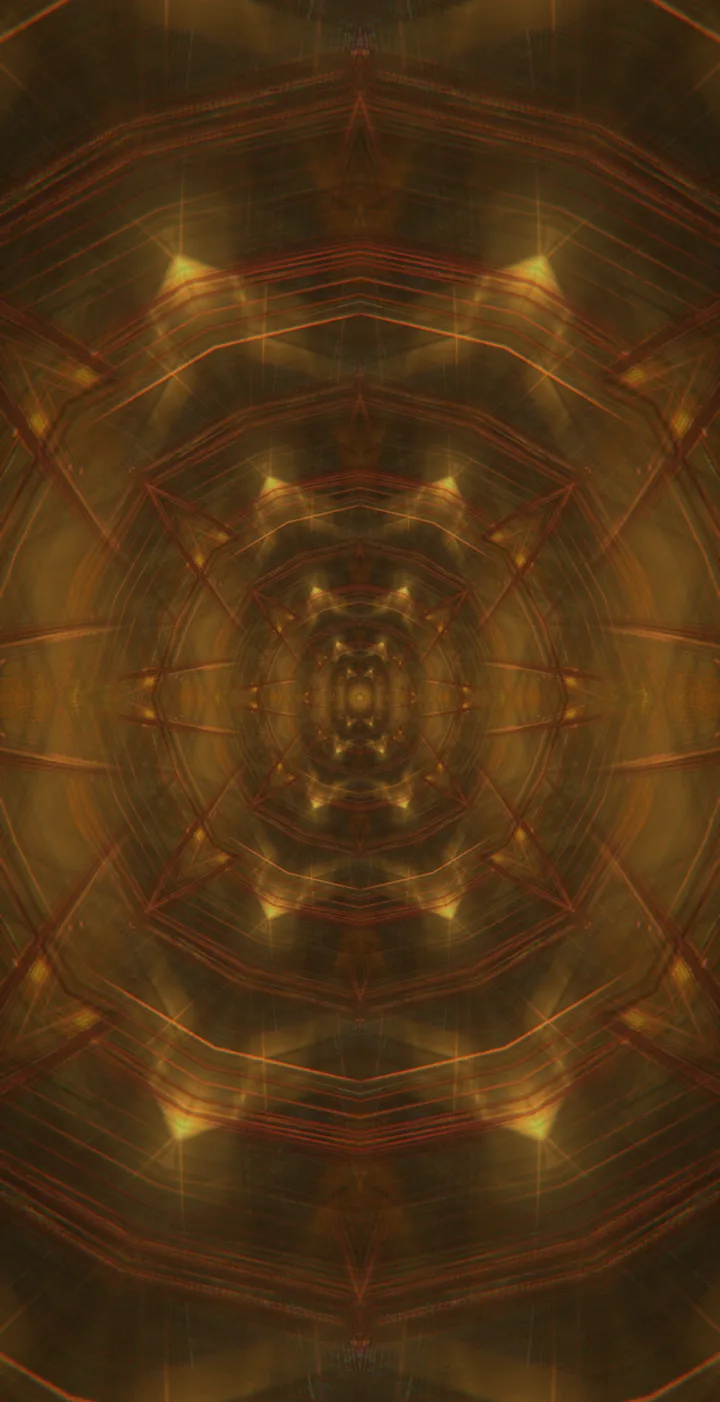
A golden tunnel of light streaks on the Visuals screen

04 · Customize

Make every visual yours

Start with one knob, or go eleven groups deep. Everything you change can be saved, shared and brought back.

  • Four quick knobs. Glow, Heat, Bend and Flow change the whole feel with one turn.
  • Knobs of your own Pro. Link any parameters to a knob, shape it with a curve (ease in, ease out, S-curve) and let a wave or an envelope turn it.
  • You choose what reacts. See and edit what moves on a kick, a note or a drop; shuffle it, or go back to the style's own.
  • Eleven groups deep. Camera, motion, the endless dive, effects, transitions and more.
  • Your colours. Take the palette from the album artwork, or pick your own.
  • Touch it. Pinch and twist the picture, smear it with your fingers, or push the liquid mode around.
  • Presets and templates. Save a look, take parts from another, share it as a template, and open shared ones.
  • Randomize everything Pro, then keep what you like.
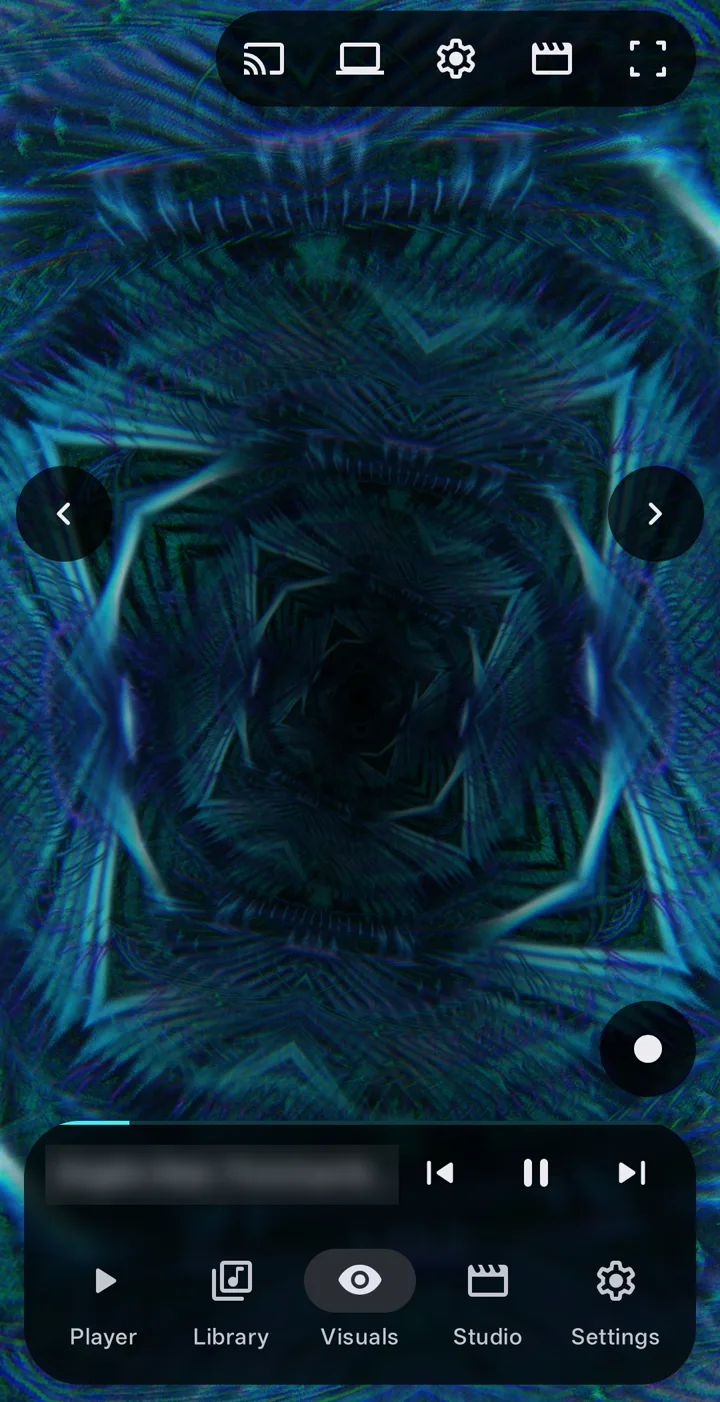
A blue crystal tunnel on the Visuals screen

05 · Music player Free

A real music player first

  • Tracks, albums, artists, folders and playlists, with search
  • Queue, shuffle, repeat and a sleep timer
  • ReplayGain, an equalizer and fades between tracks
  • Lyrics from an .lrc file or the track's tags
  • A home screen widget and a Quick Settings tile
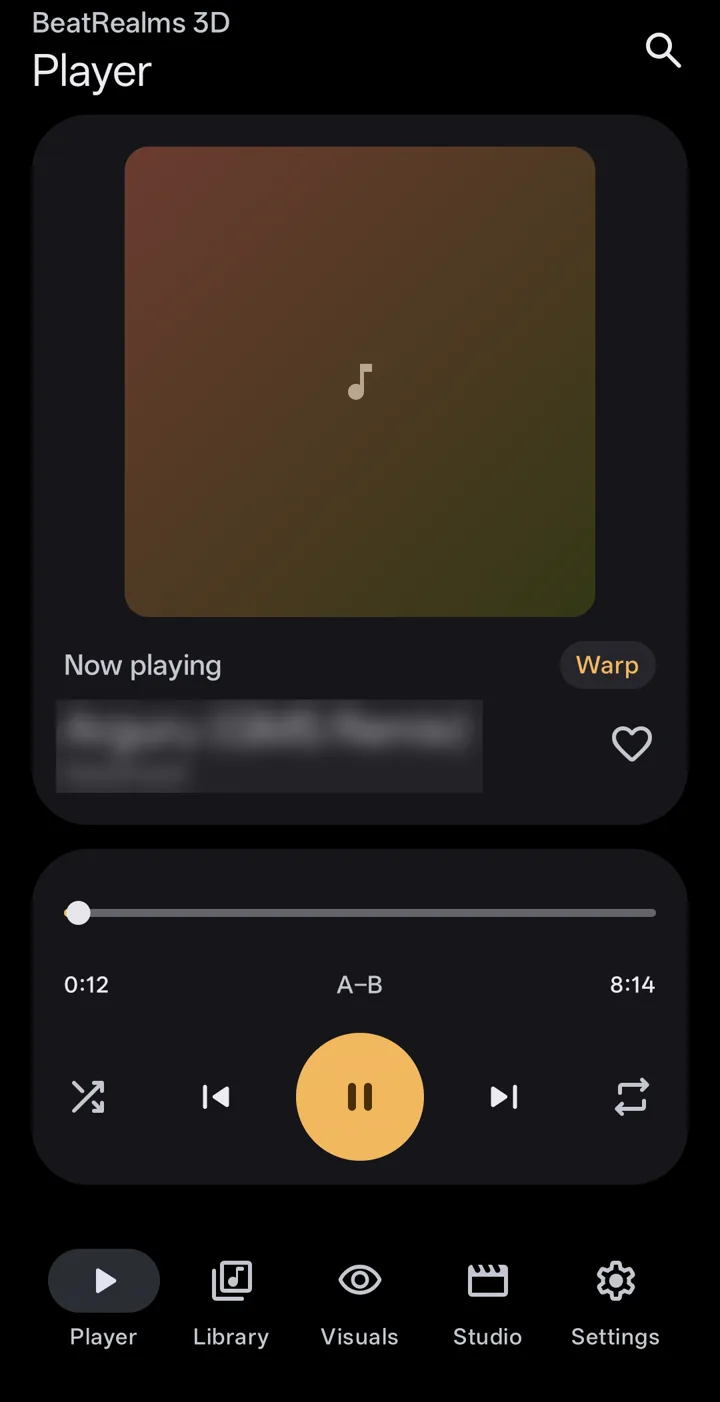
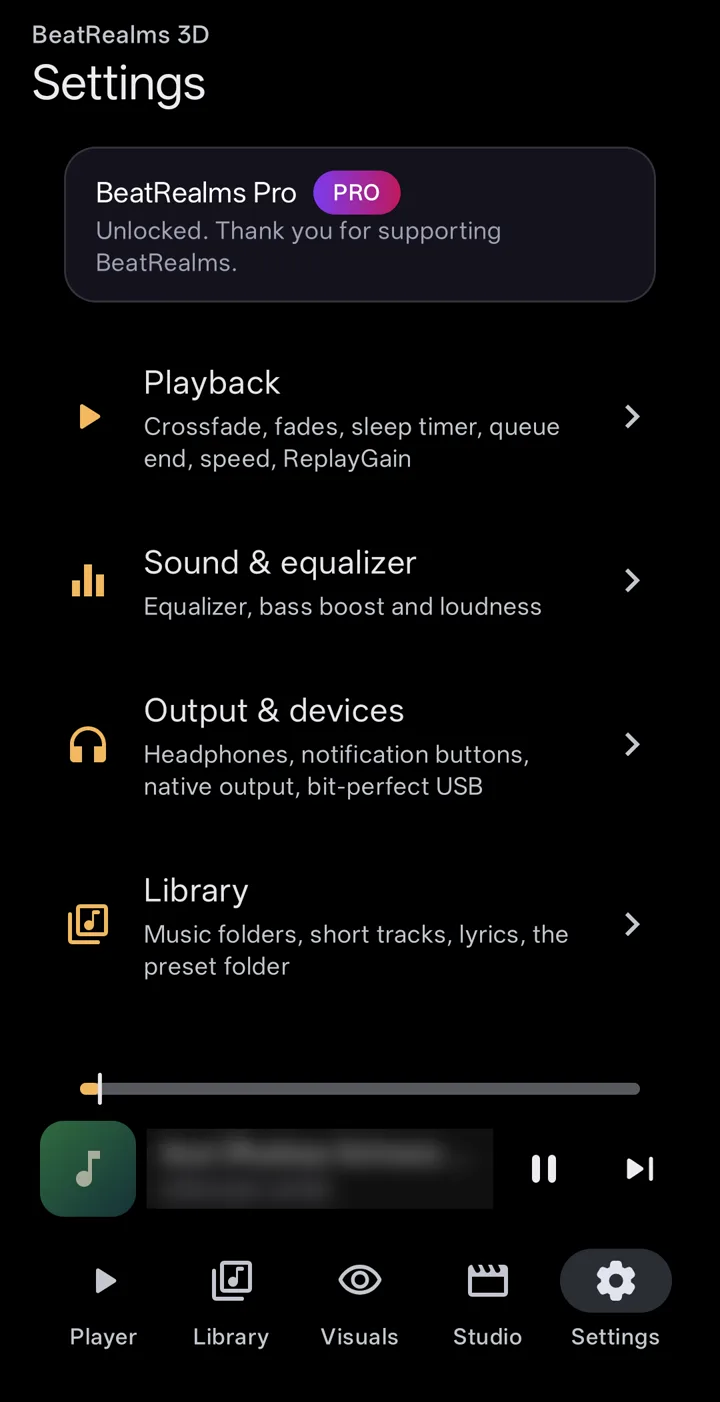
The Player screen: artwork, the seek bar with A-B repeat, and the play controlsSettings with BeatRealms Pro unlocked, and the Playback, Sound and equalizer, Output and Library sections

06 · Make a video

Render the visual over a song

Turn any song on your phone into an MP4, ready for a feed, a stream or a big screen.

Resolution720p, 1080p or 4K
Frame rate24 to 60 fps
CodecH.264 or HEVC
Shape16:9, 9:16, 1:1, 4:5, 4:3 or 21:9

Free up to 1080p at 30 fps, one minute, with a watermark. Pro 4K, 60 fps, full length, no watermark, plus loop renders and renders of a whole queue or playlist.

The highest frame rate at each size, and HEVC, depend on what your phone's video encoder can do.

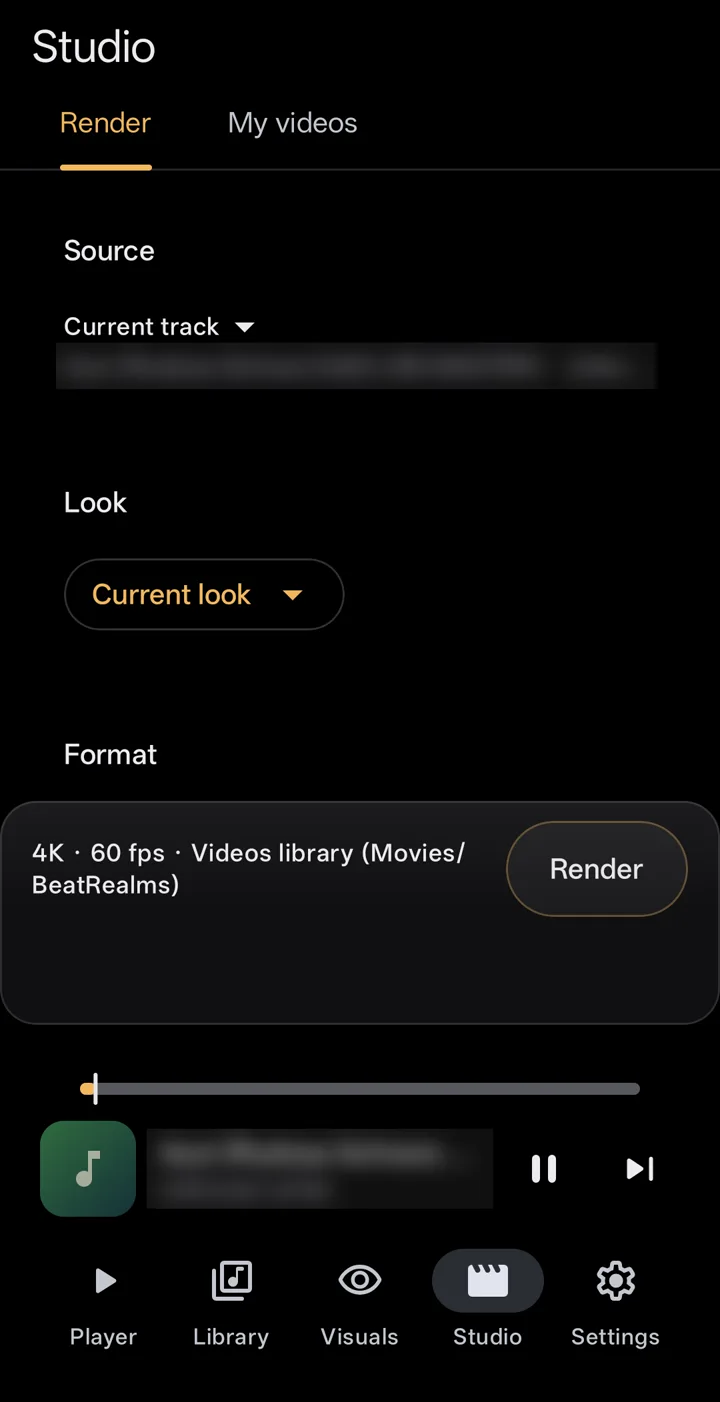
Studio, Render tab: the source track, the look, and the format set to 4K at 60 fps

07 · Record Pro

Hold to record a live take

Hold a finger on the visual to record a live video of what it shows and hears, until you stop. Screenshots are free.

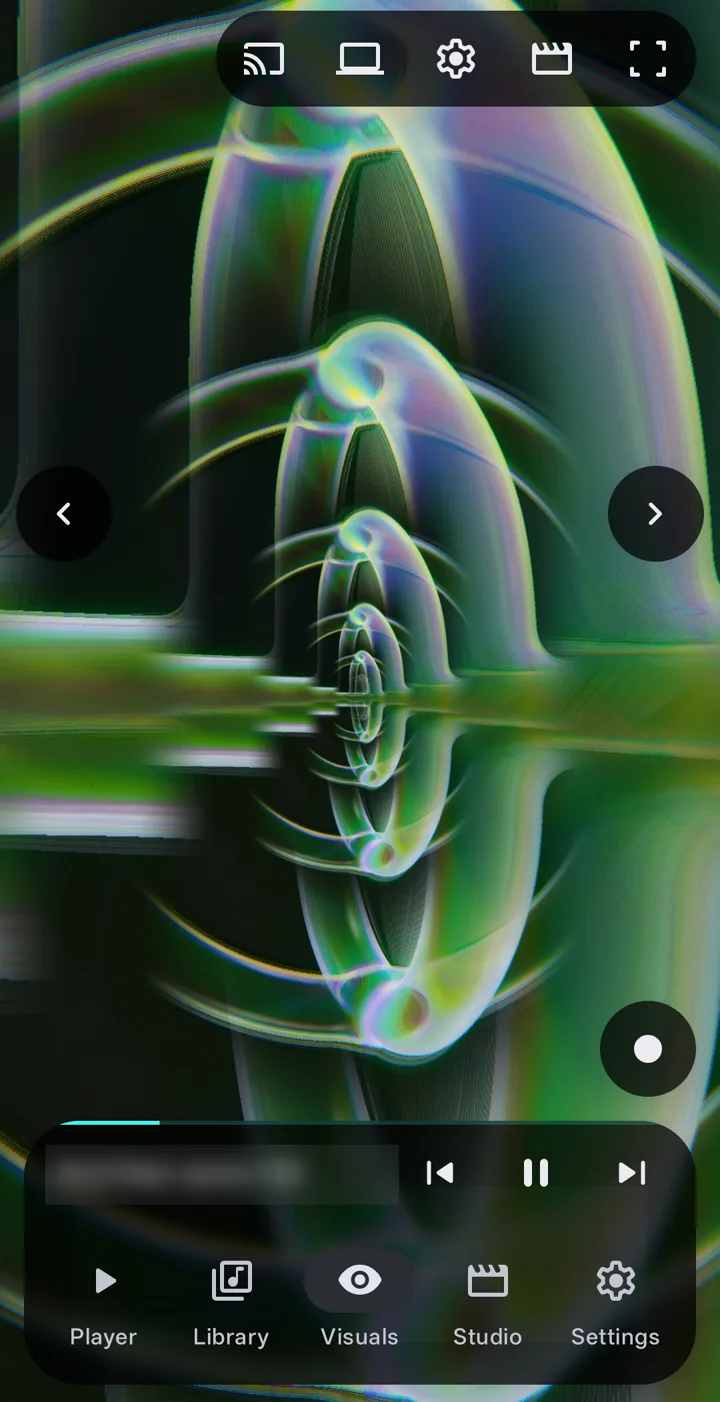
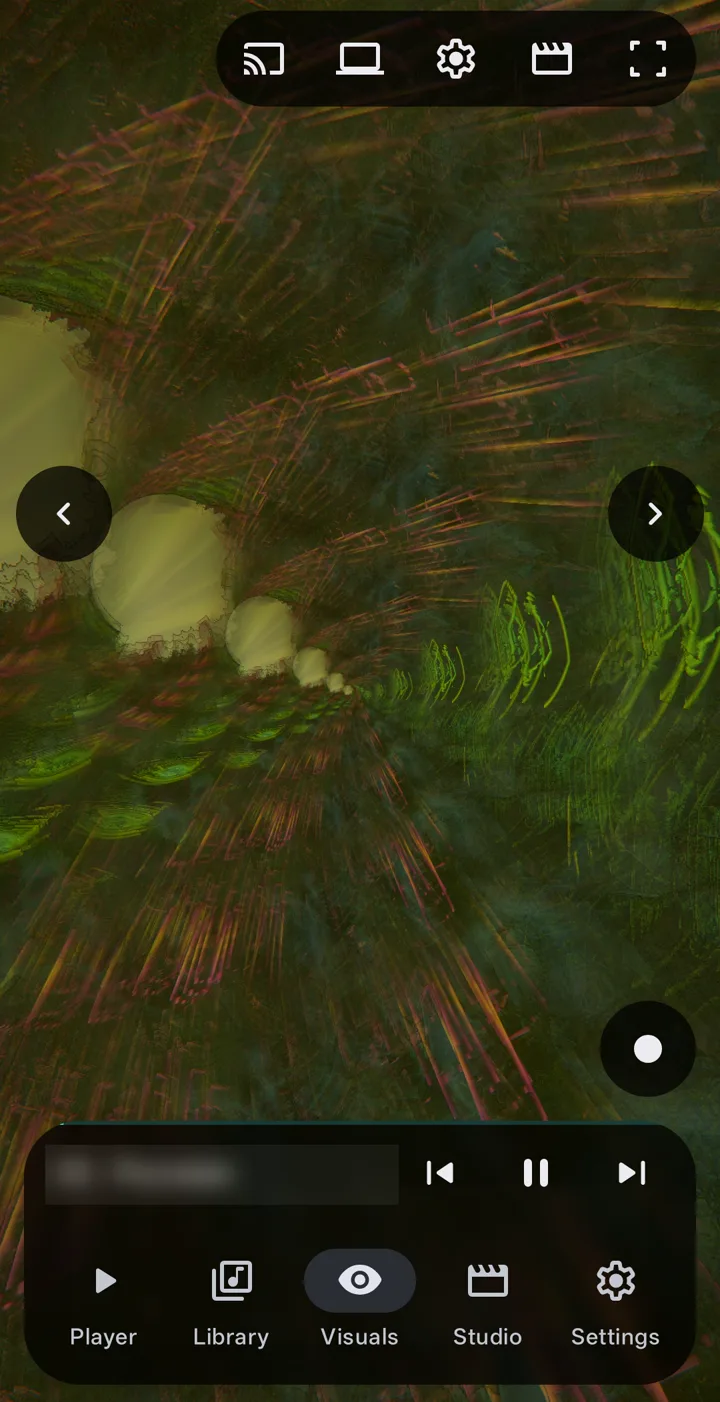
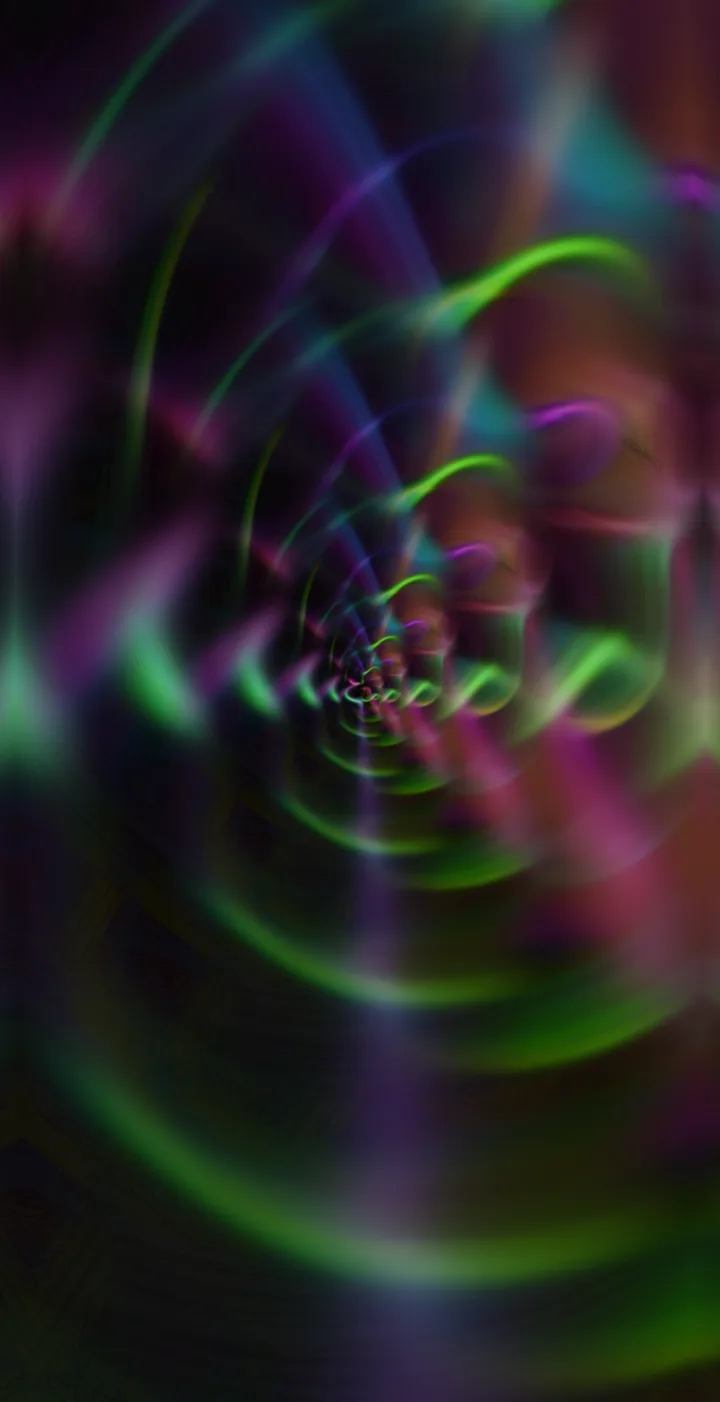
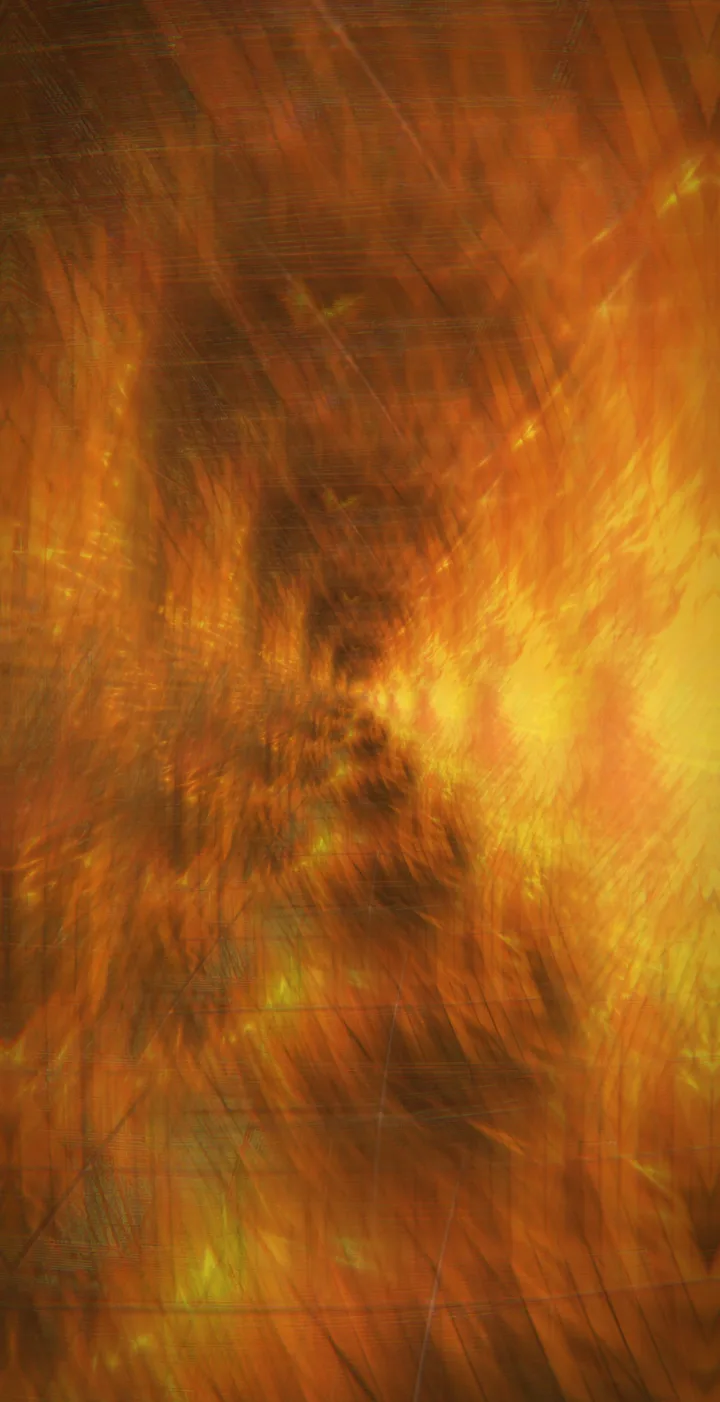
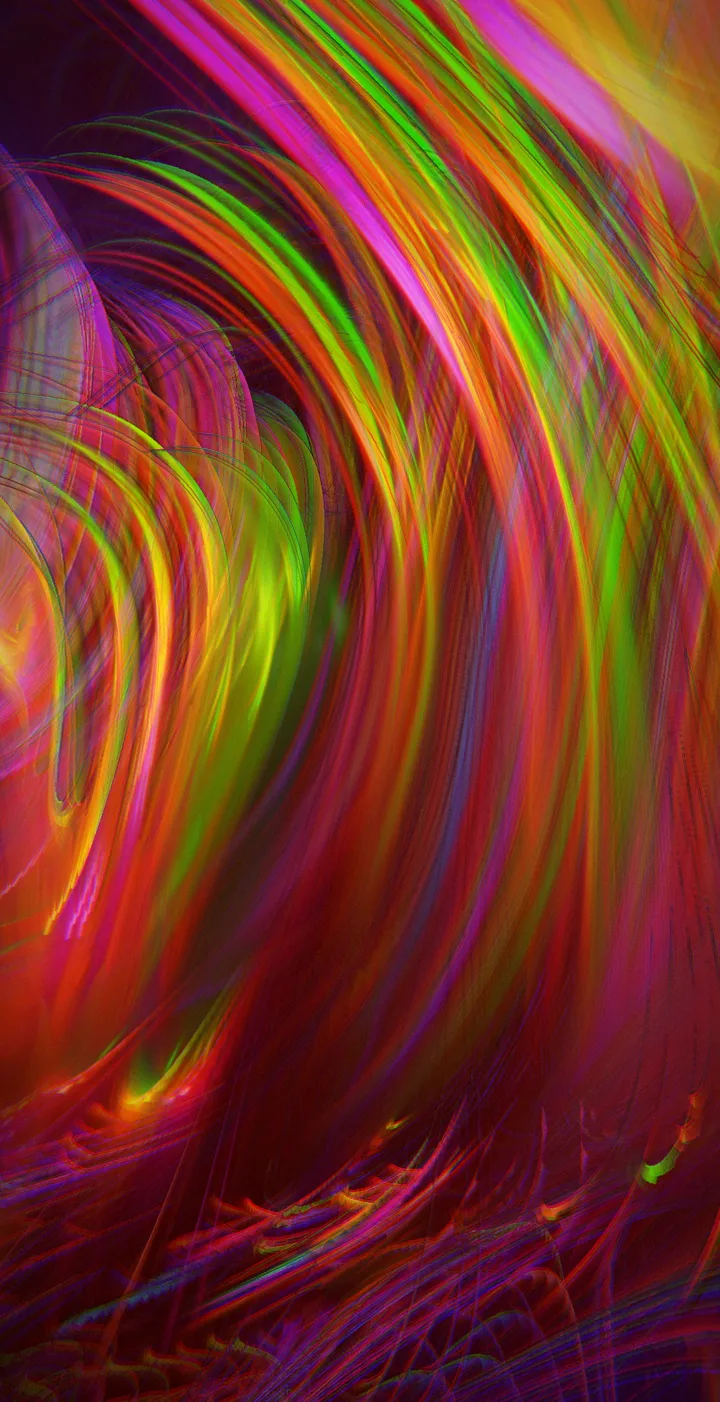
Ribbons of green and violet light, full screen in the app

08 · Beyond the phone Pro

On your wall, your TV, your laptop

  • A live wallpaper and a screen saver that react to what is playing
  • Cast the visual and the music to a TV with Google Cast
  • Show the visual in a web browser on a computer on the same Wi-Fi, through a link or a QR code
  • Show it on a connected display: HDMI, USB-C or a wireless display
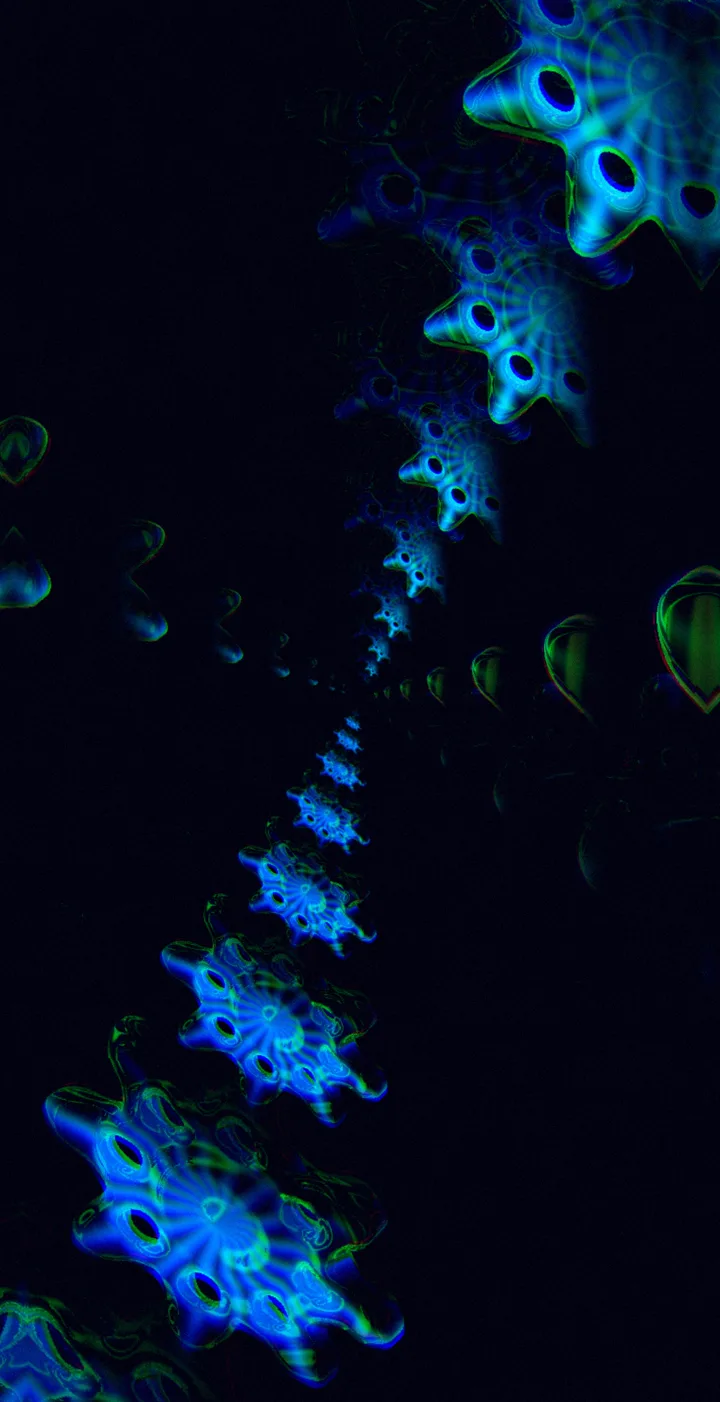
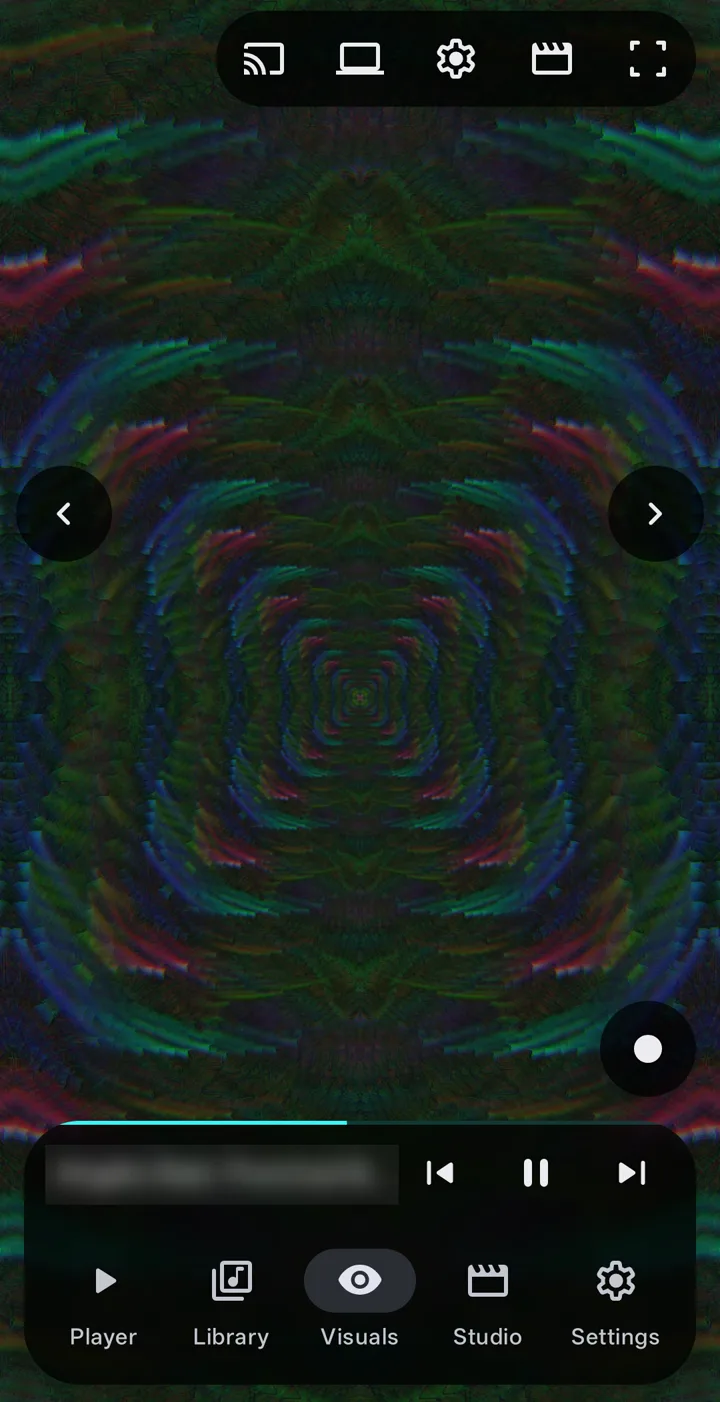
Blue neon flowers spiralling into the dark, full screen in the app

Everything in BeatRealms

The full run-down

Every feature, by what you do with it. Anything marked Pro needs the one-time unlock; the rest is free.

Play

  • Queue, shuffle, repeat and an A–B loop
  • Crossfade, fades between tracks and playback speed
  • Sleep timer, and a choice of what happens when the queue ends
  • Resume the last thing you played
  • Favourites and recently played
  • Timed lyrics from an .lrc file or the track's tags; tap a line to jump

Library

  • Tracks, albums, artists, folders and playlists
  • Search titles, artists and albums
  • Sort by title, artist, album, length or date added
  • Choose your music folders and hide very short tracks
  • Edit a track's details
  • Find duplicate tracks

Sound

  • Equalizer with presets: Flat, Bass, Treble, Vocal, Rock, Electronic
  • Bass boost and loudness
  • ReplayGain
  • Headphone and notification-button settings
  • Bit-perfect output to a USB DAC

Visuals

  • 334 styles in 19 families
  • Reacts to loudness, bass, mids and treble, kick, snare and hi-hat, notes, chords, key, build-ups and drops
  • Auto mode directs style, camera and motion through the song
  • Colours taken from the album artwork
  • Your own .milk presets and textures Pro
  • Picture-in-picture, entered automatically if you like

Customize

  • Glow, Heat, Bend and Flow quick knobs
  • Knobs of your own, with curves, waves and envelopes Pro
  • Edit what reacts to the music, or shuffle it
  • Eleven groups of controls
  • More than 700 bundled looks
  • Save presets, share and import templates
  • Randomize everything Pro

Touch

  • Pinch and twist the picture
  • Smear the visuals with your fingers, at the strength you set
  • A liquid mode you push around
  • Vibration on touch, and three knob sizes

Studio

  • Render a song to MP4: 720p, 1080p or 4K, 24 to 60 fps, H.264 or HEVC
  • Shapes: 16:9, 9:16, 1:1, 4:5, 4:3 and 21:9
  • One-tap presets: YouTube, Shorts, TikTok, Feed, Square and Master
  • A loudness target with advice for YouTube, Shorts and TikTok
  • Loop renders with a seamless crossfade and palette drift Pro
  • Render a whole queue or playlist Pro
  • Save to your Movies folder or a folder you choose, then share or upload

Record and capture

  • Hold to record a live take of the visual and its sound Pro
  • Screenshots, free
  • Make the visuals follow another app's sound
  • Or follow the microphone and the room around you

Beyond the phone

  • Live wallpaper and screen saver Pro
  • Cast the visual and the music to a TV Pro
  • Show it in a browser on a computer, by link or QR code Pro
  • HDMI, USB-C and wireless displays Pro
  • The same app on Android TV
  • Android Auto, a home screen widget and a Quick Settings tile

Your data

  • No account, no ads, no analytics
  • Works offline; the network is only for Cast and the computer link
  • Back up and restore playlists, favourites, history, track edits, settings and imported presets
  • Built-in help for every part of the app
  • Follows Android's "Remove animations" setting

What's included

Free and Pro, side by side

No ads in either. Pro is a single in-app purchase, not a subscription, and you can try it for one hour before buying. Videos rendered or recorded during the trial keep the one-minute limit and the watermark.

What the free app and Pro include
FeatureFreePro
Music playerEverythingEverything
Visual stylesMore than 60, the first of each of the nineteen familiesAll 334
Your own .milk presetsNoYes
Reactions to notes and keyYesYes
Auto modeFirst minute of each songThe whole song
CustomizeBasic controls and the quick knobsEvery control, your own knobs, randomize everything
Video exportUp to 1080p, 30 fps, one minute, watermarkUp to 4K, 60 fps, full length, no watermark
Loop and playlist rendersNoYes
Record a live takeNoYes
ScreenshotsYesYes
Live wallpaper and screen saverNoYes
Cast, show on a computer, connected displaysNoYes
AdsNoneNone
PriceFreeOne purchase, not a subscription

Questions

Is Pro a subscription?

No. Pro is one in-app purchase through Google Play. You can try it for one hour first.

Does it need the internet or an account?

No account, ever. The app works offline. The internet is used only for Cast to TV and for showing the visual on a computer, over your own Wi-Fi. The Google Cast component sends Google anonymous usage logs; the privacy policy explains this.

What does it ask permission for, and why?

Each one is asked for when you first need it, with the reason first.

  • Music and audio: to find and play the music on your phone, the first time you open Library.
  • Notifications: playback controls, and progress while a video renders or a cast runs.
  • Microphone (optional): only if you let the visuals follow the room, another app's sound, or the wallpaper hear other apps. The sound is analysed on the phone and never sent anywhere.
  • Screen and audio capture (optional): Android's own dialog, each time you start visualizing another app.
  • Notification access (optional): to show the name of a song another app is playing. Only media sessions are read.
  • Network: only for Cast to TV and showing the visual on a computer, on your own Wi-Fi.

Never asked for: camera, location, contacts, phone, SMS or all-files access.

Which phones does it run on?

Android 13 or newer.

Where do my videos go?

Into your phone's Movies folder. Nothing you make leaves the phone unless you share it.

How do I get help?

Email CONTACT_EMAIL. Say which phone and Android version you have, and what you were doing.

Photosensitivity warning

The visuals are bright, fast and full-screen, and they can flash. A small number of people can have a seizure when they see flashing lights or patterns, even with no history of epilepsy. The app limits how far and how fast its own effects may change the brightness, and it follows Android's "Remove animations" setting, but it does not measure the finished picture, and .milk presets only get a brightness cap: the flashes they draw themselves are not limited. It cannot make the visuals safe for everyone. If you or anyone watching is sensitive to flashing light, do not use the visuals, and stop at once if you feel unwell.

Hear it. See it. Make it.

Get it on Google Play Android 13 or newer